AI-Powered Email Management

Your inbox is full of hidden tasks.
We find them for you.

MailRefined connects to Gmail, scans your emails every 15 minutes with AI-powered classification, and automatically adds action items to Google Tasks — so nothing slips through the cracks.
mailrefined.app/dashboard
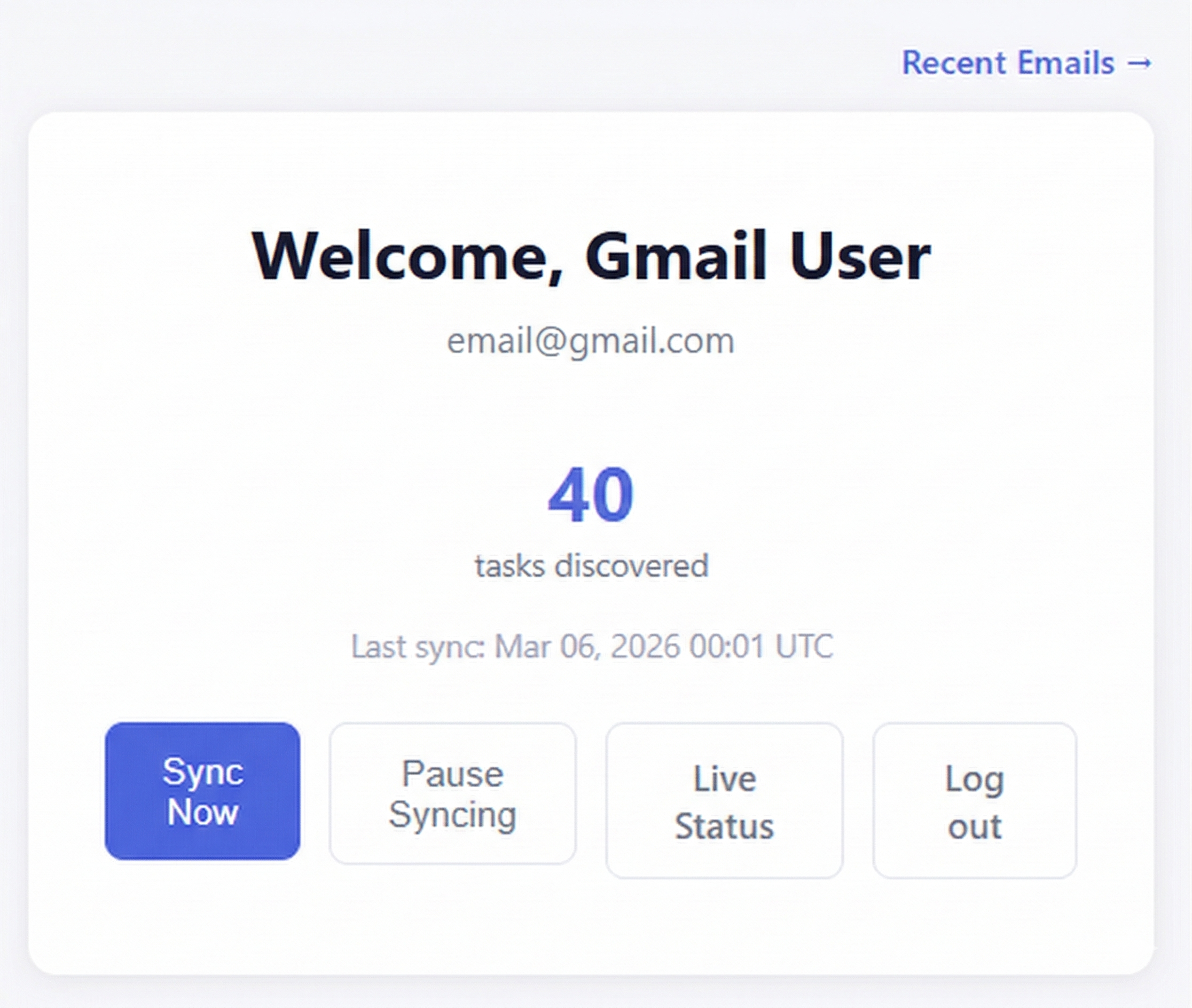
MailRefined dashboard

Everything your inbox is missing

Stop manually hunting for action items buried in email threads. Let AI do the heavy lifting.

Auto-Discovery

AI reads your inbox every 15 minutes and spots action items before you do — deadlines, follow-ups, requests, and more.

Google Tasks Sync

Discovered tasks land in Google Tasks automatically — no copy-paste, no switching apps. Just open Tasks and everything is there.

Zero Email Storage

We never store the content of your emails. Privacy isn't a feature — it's the foundation everything else is built on.

From inbox to task list in three steps

No configuration. No complicated setup. Connect once and MailRefined handles the rest automatically.

1

Connect Your Gmail

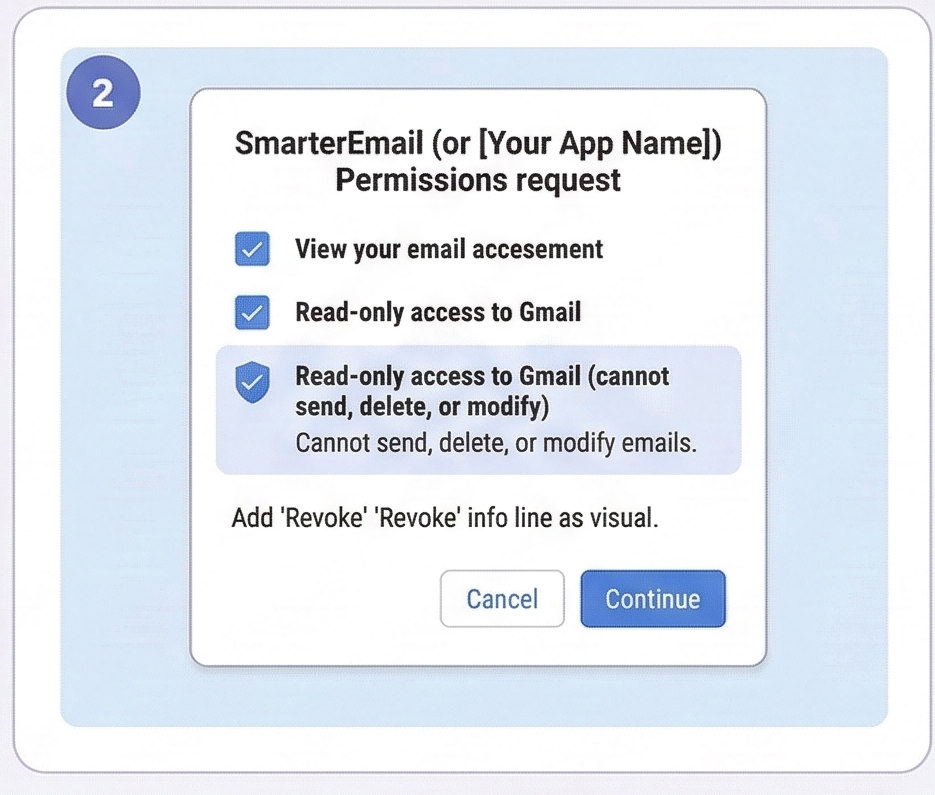
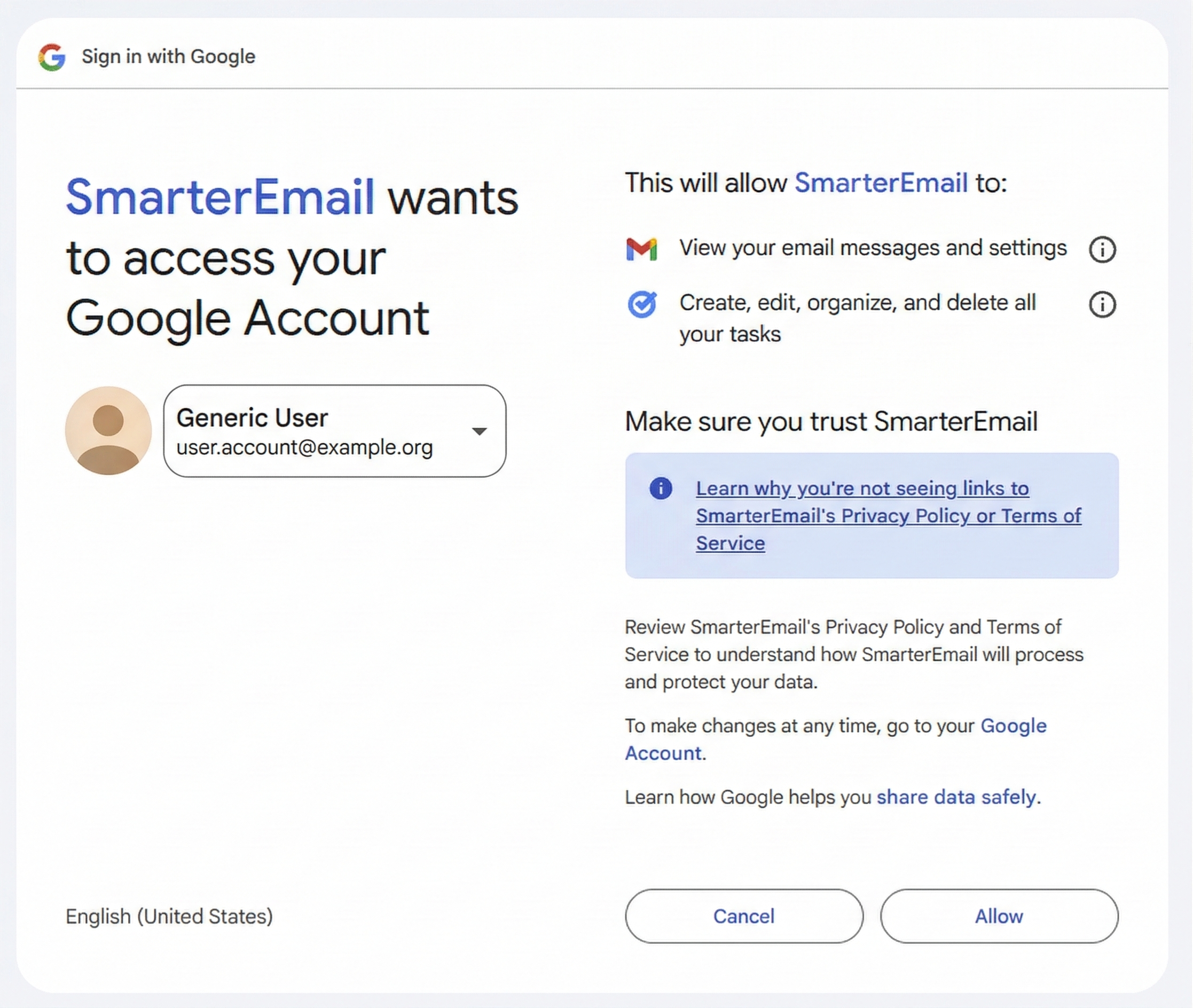
Sign in with Google and grant read-only access to Gmail. You stay in full control — revoke access anytime from your Google account.

Google OAuth screen
2

AI Scans Your Emails

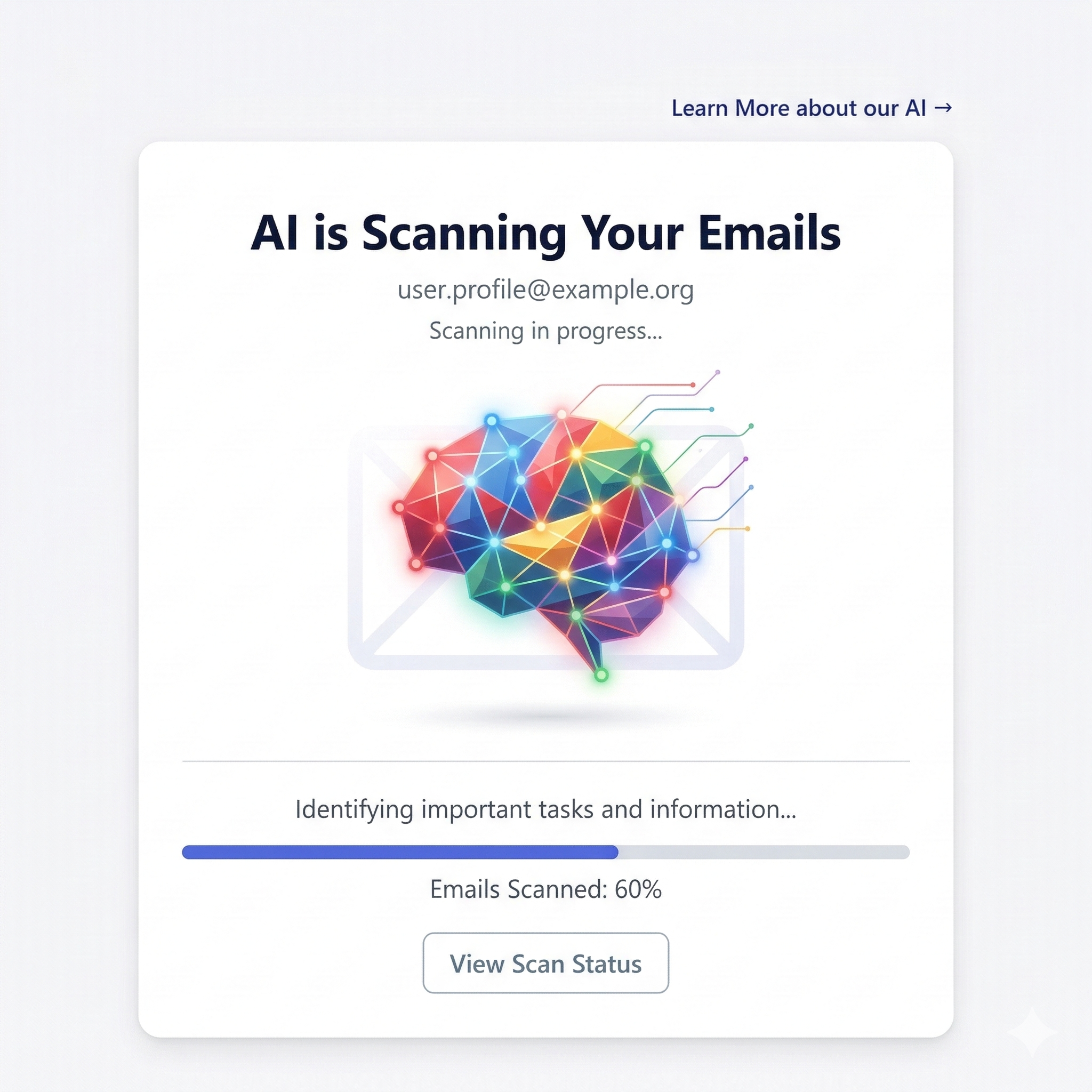
MailRefined reads your recent emails and runs AI-powered classification to identify action items, deadlines, and follow-ups hiding in your inbox.

AI scanning emails
3

Tasks Appear in Google Tasks

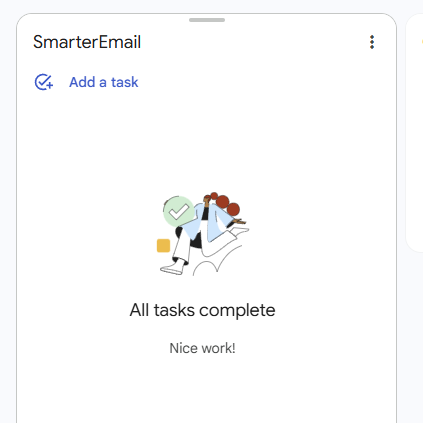
Discovered tasks are automatically pushed to Google Tasks within minutes. Open your task list and every action item is already there, waiting for you.

Google Tasks screenshot

Your privacy is non-negotiable

We believe you should know exactly what happens to your data. No vague policies — here is the full picture.

No Email Content Stored

We never write your email body, subject lines, or sender addresses to our database. Your emails are processed in memory and never persisted.

AI API Processing

Emails are classified via AI APIs from reputable providers. Those providers do not use API inputs to train their models — your data never feeds into AI training datasets.

30-Day API Retention

AI API providers retain request data for up to 30 days for abuse monitoring only — then it is permanently deleted. This is the industry standard and is not used for model training.

Encrypted at Rest

Your Gmail access tokens are encrypted with AES-256-GCM before being stored. Even in a breach scenario, your credentials are unreadable without the encryption key.

Up and running in under 2 minutes

Migrating from a manual workflow? Here is everything that happens from sign-in to your first synced task.

1

Sign In with Google

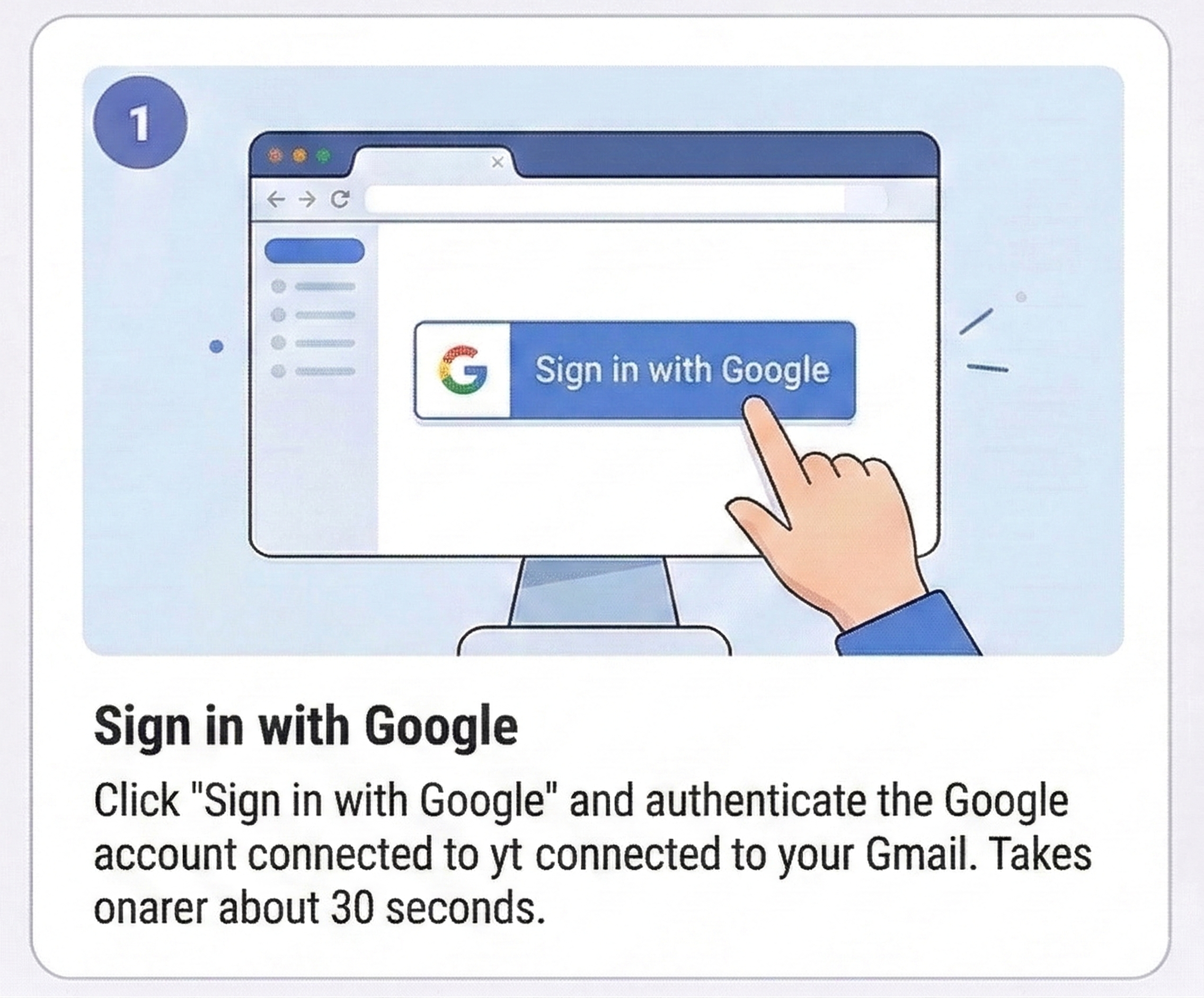
Click "Sign in with Google" and authenticate with the Google account connected to your Gmail. Takes about 30 seconds.

Sign in with Google
2

Grant Gmail Access

Approve read-only Gmail access when prompted. MailRefined can read emails but cannot send, delete, or modify anything. You can revoke this permission anytime from Google's account settings.

Grant Gmail access
3

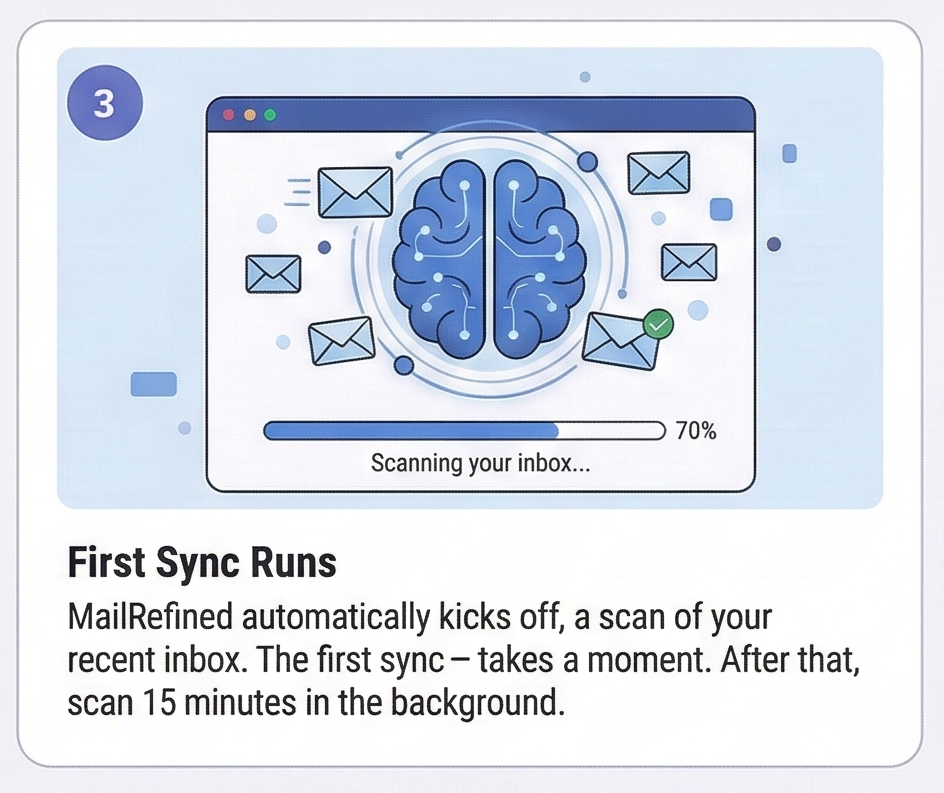
First Sync Runs

MailRefined automatically kicks off a scan of your recent inbox. The first sync takes a moment — grab a coffee. After that, scans run every 15 minutes in the background.

First sync runs
4

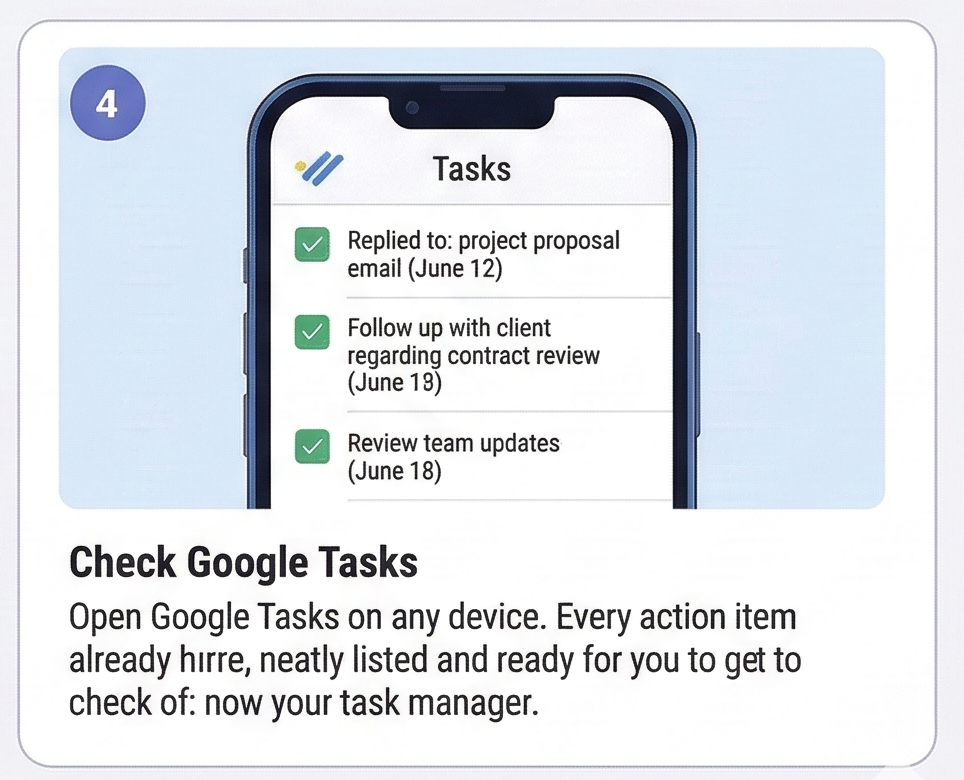
Check Google Tasks

Open Google Tasks on any device. Every action item MailRefined found is already there, neatly listed and ready for you to check off. Your inbox is now your task manager.

Check Google Tasks

That's it. No configuration files. No manual setup. Just connect and go.

Get Started — it's free

Reclaim your inbox. Start today.

Connect in under 2 minutes. No credit card. No email newsletter. Just a smarter inbox.

Sign in with Google
No email content stored Read-only Gmail access AES-256 encrypted tokens Cancel anytime in Google